
If you spend hours in front of a computer every day for work or gaming, your keyboard is the most essential tool connecting you to the digital world. A standard membrane keyboard might get the job done, but once you experience a mechanical keyboard, the unique feel and acoustic feedback may completely change how you think about typing.
What Is a Mechanical Keyboard?
Simply put, every key on a mechanical keyboard has its own independent mechanical switch underneath. Standard keyboards rely on a single rubber membrane. This fundamental difference gives mechanical keyboards a much longer lifespan (typically up to 50 million keystrokes), more consistent feel, and endless customization options.
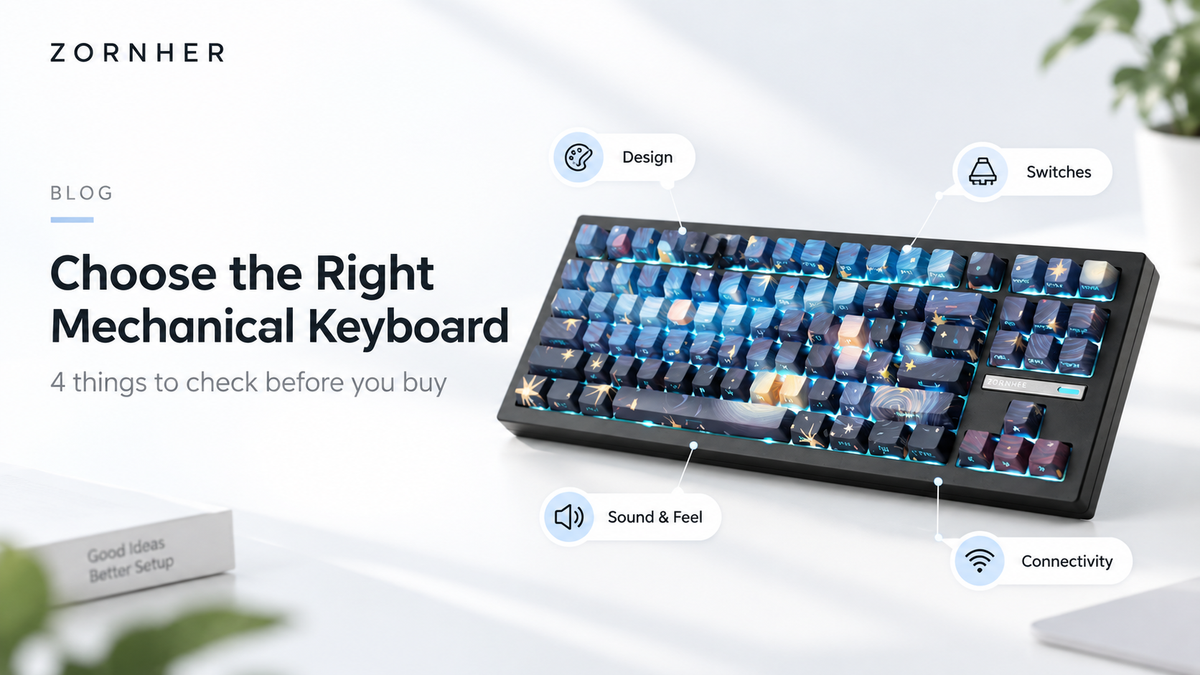
The Core Knowledge – How to Choose a Switch?
The switch is the soul of a mechanical keyboard. Different switches determine whether you type like a whisper or a thunderstorm. Here are three of the most common options:
-
Sunset Switch: The most "mechanical feeling." It offers a distinct tactile bump and a crisp "click" sound, giving you great rhythm while typing. Best for: Writers who love strong feedback. (Note: Can be a bit loud in open offices)
-
Sakura Switch: The "all-rounder." It has a subtle tactile bump but is much quieter than Sunset switches, offering both feel and peace. Best for: Office environments or users who both type and game.
-
Serene Switch: Linear and smooth – no bump, no click. It requires low actuation force and is very quiet. Best for: Gamers who need rapid double-taps or users who prefer a light, soft typing feel.

Why Does It Improve Productivity & Experience?
Beyond just feeling great, mechanical keyboards offer real benefits:
-
Reduced Typos: Compared to membrane keyboards, they help prevent accidental keystrokes when your fingers barely rest on the keys.
-
N-Key Rollover: You can press many keys at once and have every single one register accurately – essential for gamers and professional typists.
-
DIY Fun: You can easily swap out keycaps to create a unique look, or even lubricate switches and tune the sound to your preference.
How to Get Your First Mechanical Keyboard?
If you're a beginner, start with a pre-built keyboard in the $50–$100 range from brands like ZORNHER, RK (Royal Kludge), or LTC. Choose Sakura Switch as your first "entry" switch – they're the easiest to adapt to. For size, an 87-key (TKL – TenKeyLess) is a great starting point – it keeps the arrow keys but saves desk space by removing the number pad.
Leave a comment
This site is protected by hCaptcha and the hCaptcha Privacy Policy and Terms of Service apply.