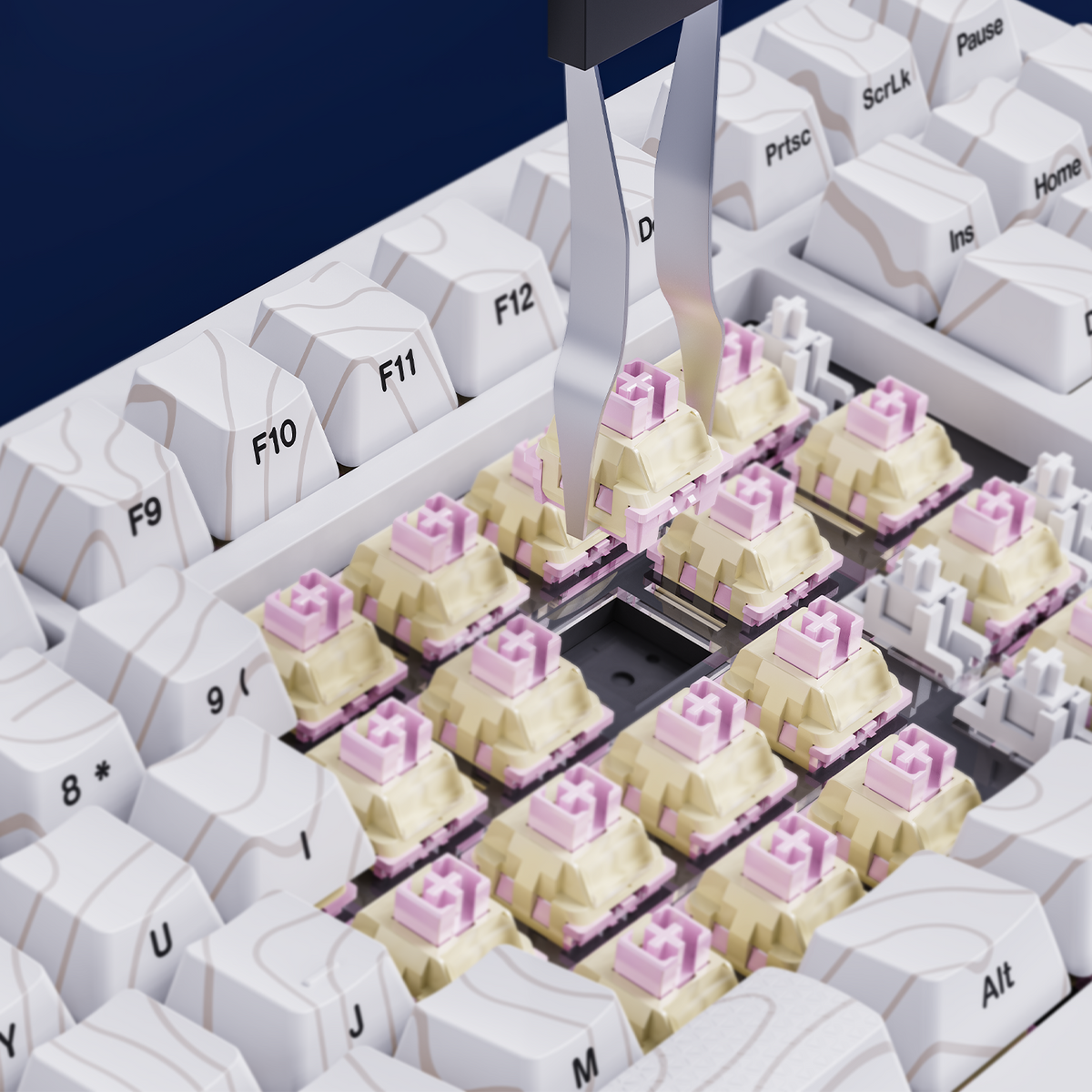
Wondering whether to choose a hot-swappable or soldered mechanical keyboard? Learn how they differ, what you can change, and what to check before buying your first board.
When you start exploring mechanical keyboards, you may see the terms “hot-swappable” and “soldered.” They describe how a keyboard’s switches are attached to its circuit board—and that affects how easy it is to customize or repair the keyboard later.
Here’s a beginner-friendly look at both options.
What Is a Hot-Swappable Keyboard?
A hot-swappable keyboard has sockets on its circuit board that let you remove and replace compatible switches without soldering. After removing the keycap, you can use a switch puller to take out a switch and press a compatible replacement into the socket.
That makes experimenting more approachable. You can try a different feel, replace a faulty switch, or customize a few keys without replacing the entire keyboard.

What Is a Soldered Keyboard?
In a soldered keyboard, each switch is attached directly to the circuit board with solder. Changing a switch usually requires desoldering the original switch and soldering in another one.
Soldered keyboards can work well for people who are happy with their original switch choice. But switch changes and repairs generally take more tools and experience than they do on a hot-swappable board.
Hot-Swappable vs. Soldered: The Main Differences
Switch changes: Hot-swappable switches can be changed without soldering; soldered switches require soldering work.
Ease for beginners: Hot-swap sockets make switch experimentation more accessible. Soldering is better suited to people comfortable with electronics tools or professional repair.
Repair options: A hot-swap design can make replacing an individual compatible switch simpler. A soldered switch can also be replaced, but the process is more involved.
Compatibility: Neither “hot-swappable” nor “soldered” tells you that every switch will fit. Always check the keyboard’s supported switch type and pin configuration before buying replacements.
Is Hot-Swappable Better for Beginners?
It can be a convenient choice if you want the option to experiment with switches or replace one later. You don’t need to decide that your first switch choice must be permanent.
A soldered keyboard may still be right for you if you already know what switch feel you prefer and do not expect to change it. The best choice depends on how much customization you want—not on one option being universally better.
What to Check Before Replacing a Switch
Before you remove or install a switch:
- Confirm that your exact keyboard model supports hot-swapping.
- Check which switch types and pin configurations are compatible.
- Disconnect the keyboard from power before working on it.
- Use a switch puller and pull gently; don’t force a switch that feels stuck.
- Align the switch pins carefully before pressing it into the socket.
If a pin bends, stop and straighten it carefully before installation. For model-specific instructions, refer to the keyboard’s manual or contact the manufacturer’s support team.
Check Your Keyboard Before You Buy
“Hot-swappable” is a feature to confirm on the specific product listing—not something to assume from a keyboard’s appearance or series name. Product versions can differ, so check the specifications for the exact model and configuration you’re considering.
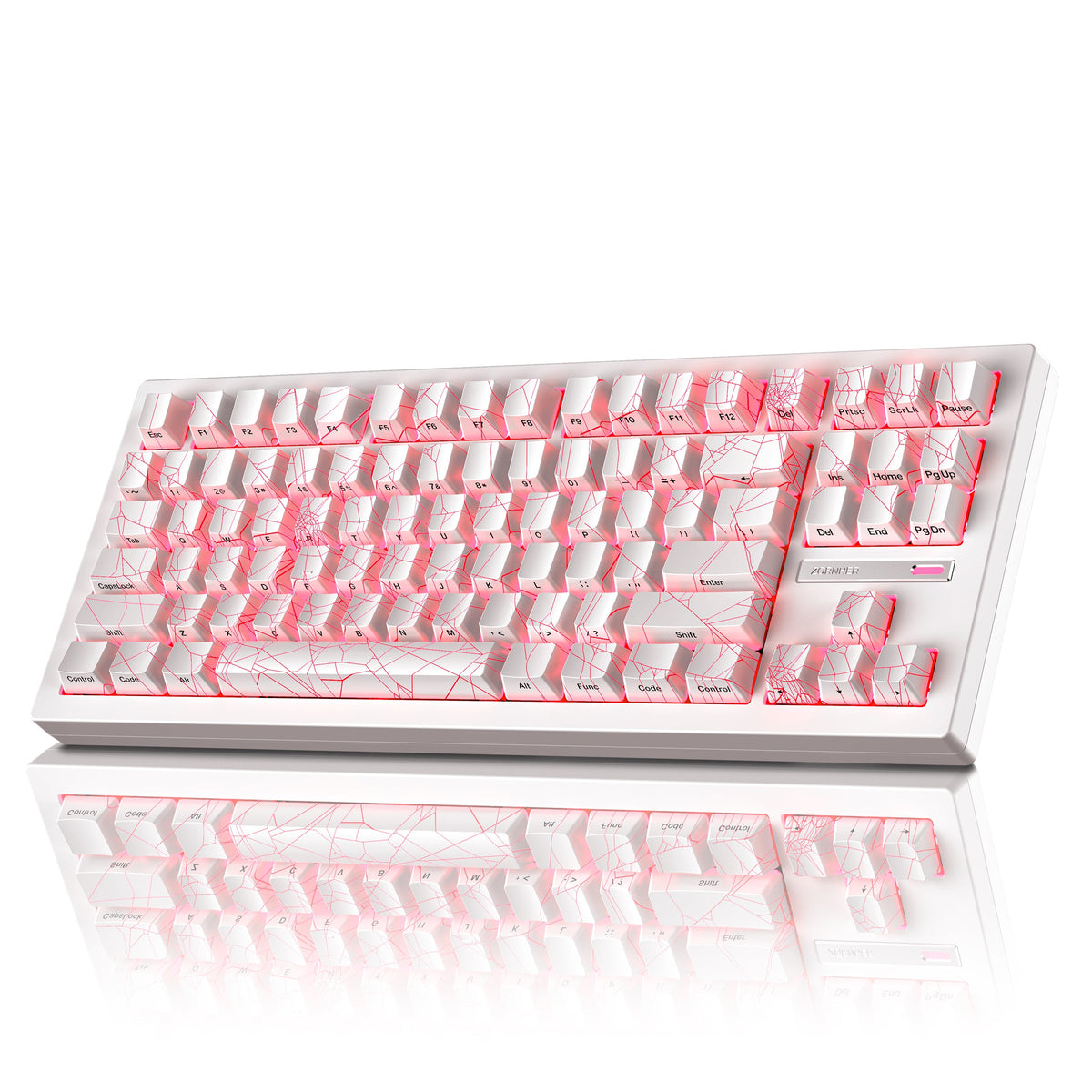
If you’re comparing ZORNHER keyboards, visit the product page and confirm the hot-swap details for that model before ordering replacement switches.
Final Thoughts
Hot-swappable keyboards make switch changes more accessible, while soldered keyboards keep switches firmly attached to the circuit board. If you’re new to mechanical keyboards and want room to experiment, a hot-swappable model may offer more flexibility. Just remember to verify switch compatibility before making changes.

Leave a comment
This site is protected by hCaptcha and the hCaptcha Privacy Policy and Terms of Service apply.